On this page
Choose your photo, enter the portal’s JPG and size requirement, then prepare a smaller copy. Check both the final file size and the photo’s clarity before uploading.
Try the example in WhatTheFileYou are almost done with a form. Then the upload box refuses your photo because it is 184 KB and the limit is 100 KB. It feels like a tiny problem, but it can stop the whole application.
The useful thing to know is that you usually do not need a new photograph. You need a smaller copy of the same photograph, saved with enough compression to fit the limit.
Keep the original photo untouched. Make a smaller copy for the form.
Start with the exact wording from the form
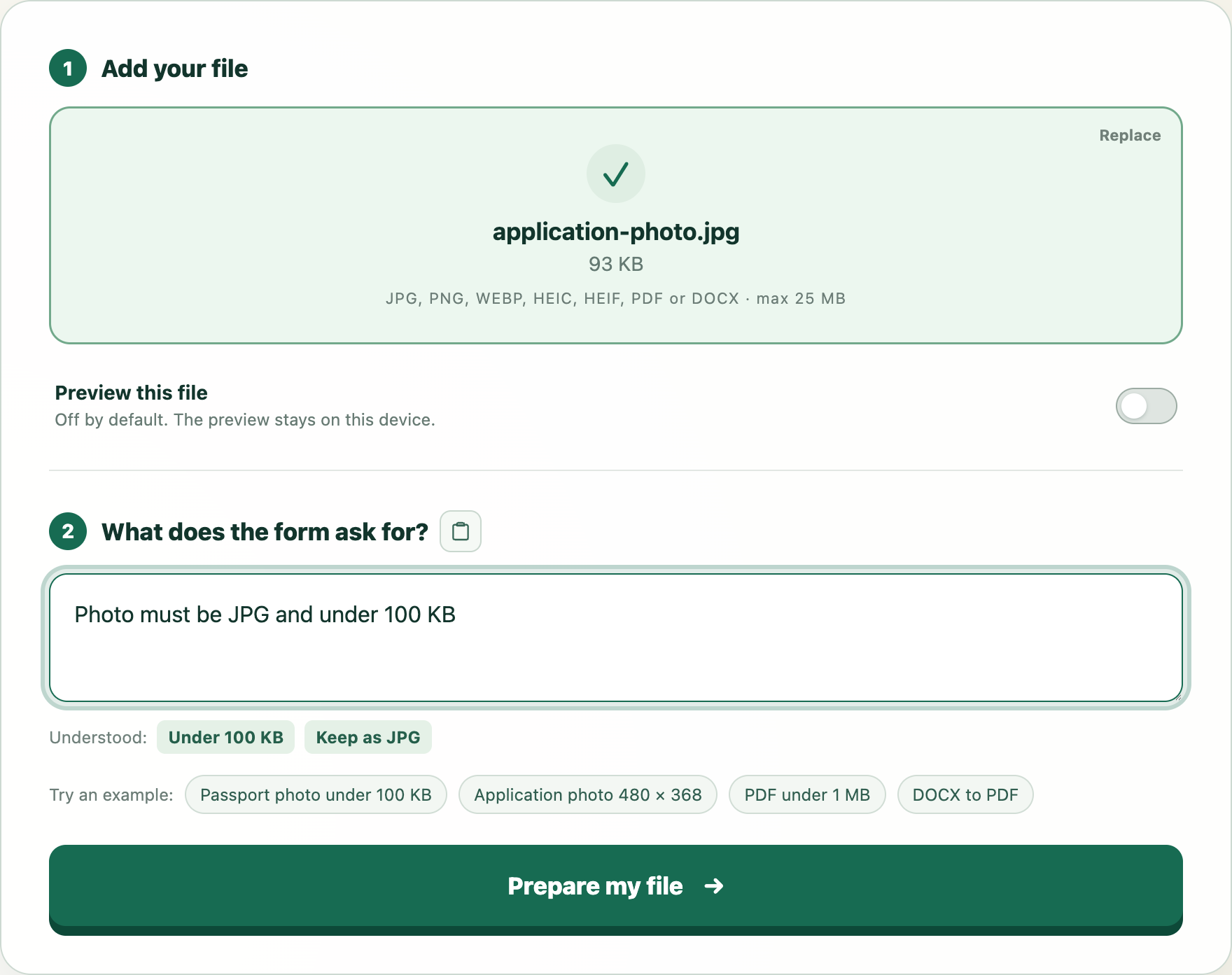
Choose your photo in WhatTheFile, then enter Photo must be JPG and under 100 KB. If your form says 50 KB, 200 KB or 2 MB, use that number instead.
Before processing anything, the tool shows the file size and format it understood. This is worth checking. “Under 100 KB” and “between 20 KB and 100 KB” are not the same requirement.
- Keep your original photo somewhere safe.
- Choose the photo and paste the form's size and format requirement.
- Prepare the file, check the final size, then download the new copy.
Rename the downloaded copy only if the portal asks for a particular filename. Keep the extension, such as .jpg, at the end.
Why JPG is often the easiest choice
JPG can remove a small amount of image detail to save a large amount of space. For an ordinary application photo, that trade is usually less noticeable than it would be for a screenshot containing tiny text.
PNG works differently. It is excellent for logos and sharp graphics, but it may stay much larger than a strict form limit allows. If the portal accepts JPG, converting a PNG photo to JPG can make the size easier to control.
When 100 KB is not the whole story
A portal may also check pixel dimensions, face position, background, minimum file size or a specific photo standard. WhatTheFile can confirm the size and format it understood, but it cannot promise that a third-party portal will accept the photograph.
Open the downloaded photo and look at the face, signature or text at normal size. A file can meet 100 KB and still be too blurry for the form.
Try this example
We will open WhatTheFile and place Photo must be JPG and under 100 KB in the requirement box. You can review and change it before preparing your file.