On this page
Request the form’s size and format, then inspect every signature stroke in the prepared image. If dimensions require a crop, review and reposition it before confirming.
Try the example in WhatTheFileSignature uploads are surprisingly fussy. The image may look perfectly clear on your phone and still be rejected because it is too large, saved as PNG, or surrounded by a lot of empty paper.
Start with a clean photograph or scan. The signature should be dark, the paper should be evenly lit and the full stroke should sit comfortably inside the image.
First, protect the edges
If exact dimensions would remove part of the original, WhatTheFile now pauses before processing and shows the proposed crop. It begins in the centre, but you can drag or zoom the image while the required shape remains locked.
Look closely at the first and last stroke before you confirm the crop. Repositioning can protect a complete signature, but it cannot restore a stroke that was already missing from the source image.
Make the smaller copy
If the form says “JPG under 50 KB,” enter exactly that. WhatTheFile will compress the image locally and show whether the result is below the limit.
- Choose the cleanest version of the signature.
- Enter only the requested file size and format.
- Download the result and zoom in to check every stroke.
If the signature becomes faint, start again with a closer, better-lit source. Compression cannot recover detail that was missing in the original image.
A quick check before uploading
- The complete signature is visible, with breathing room on every side.
- The background is plain and does not contain shadows or ruled lines.
- The downloaded file is inside the portal's minimum and maximum size.
- The file extension matches what the portal asks for.
A smaller signature is useful only when it is still recognisably yours.
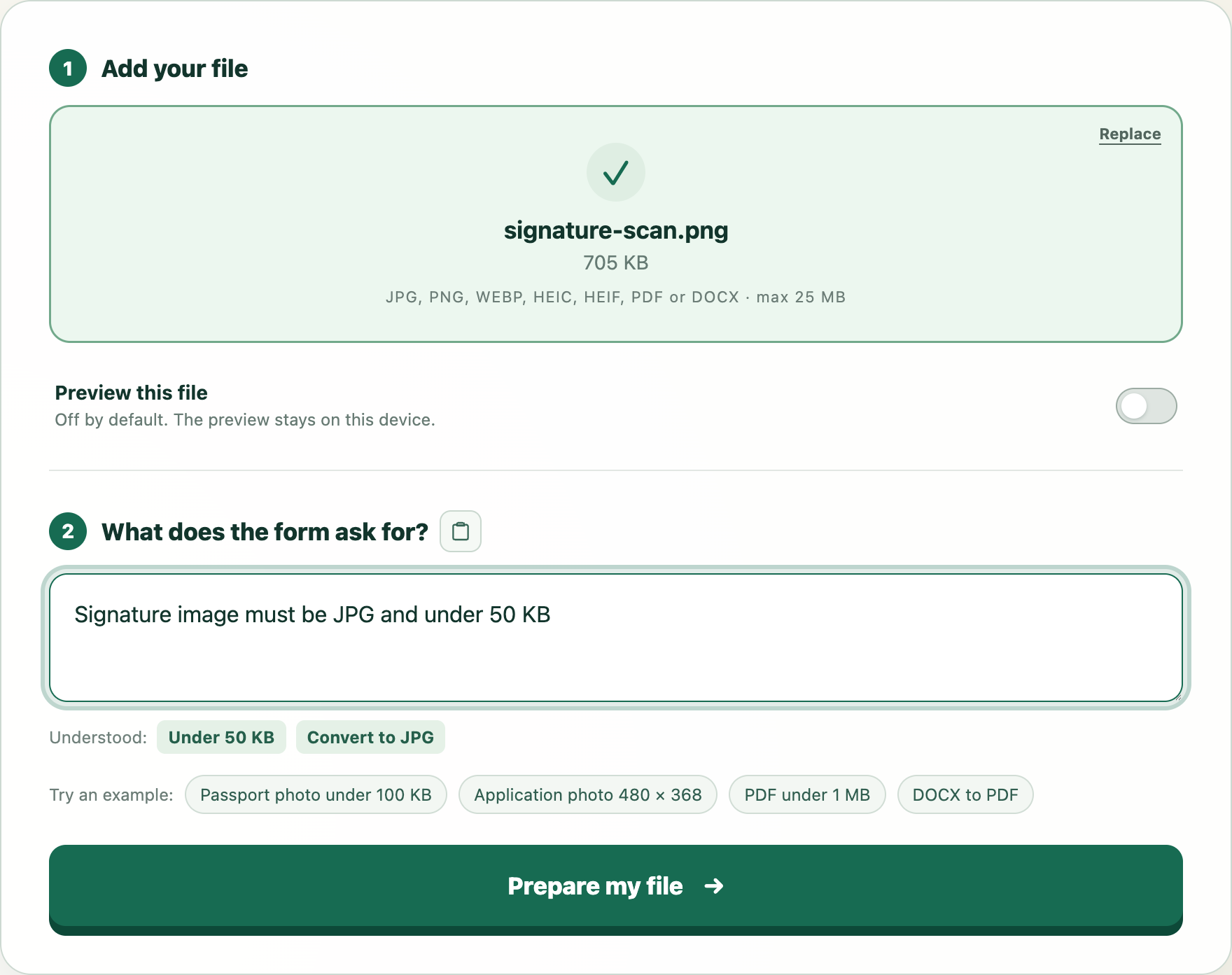
Try this example
We will open WhatTheFile and place Signature image must be JPG and under 50 KB in the requirement box. You can review and change it before preparing your file.