On this page
Convert the image contents, not just the filename extension. A JPG copy loses transparency, so inspect the background and fine detail before submitting it.
Try the example in WhatTheFileA form may reject a PNG even though the image opens normally everywhere else. This usually does not mean the picture is broken. It means the portal has chosen to accept only a short list of formats.
JPG is widely used for photographs because it can keep files relatively small. PNG is better at preserving sharp edges and transparency, which can make photo files larger.
What conversion actually changes
Converting a PNG to JPG creates a new file. It does not rename the original. Transparent areas cannot remain transparent in a JPG, so they are placed on a solid background.
Changing the filename from photo.png to photo.jpg does not convert the image. The contents of the file must be encoded as JPG.
Convert it in three steps
- Choose the PNG photo.
- Enter
Convert this PNG photo to JPG. - Prepare, download and open the new JPG before submitting it.
If the form also has a size limit, include it in the same sentence. For example: JPG under 200 KB. WhatTheFile will show both requirements before it starts.
When you should keep the PNG
Keep the original PNG if it contains transparency, a logo, fine text or a line drawing. Use the JPG copy only for the portal that asks for it. Repeatedly converting and recompressing the same file can gradually reduce quality.
Check pale backgrounds, small text and the edges around a signature. Those are the places where a format change is easiest to notice.
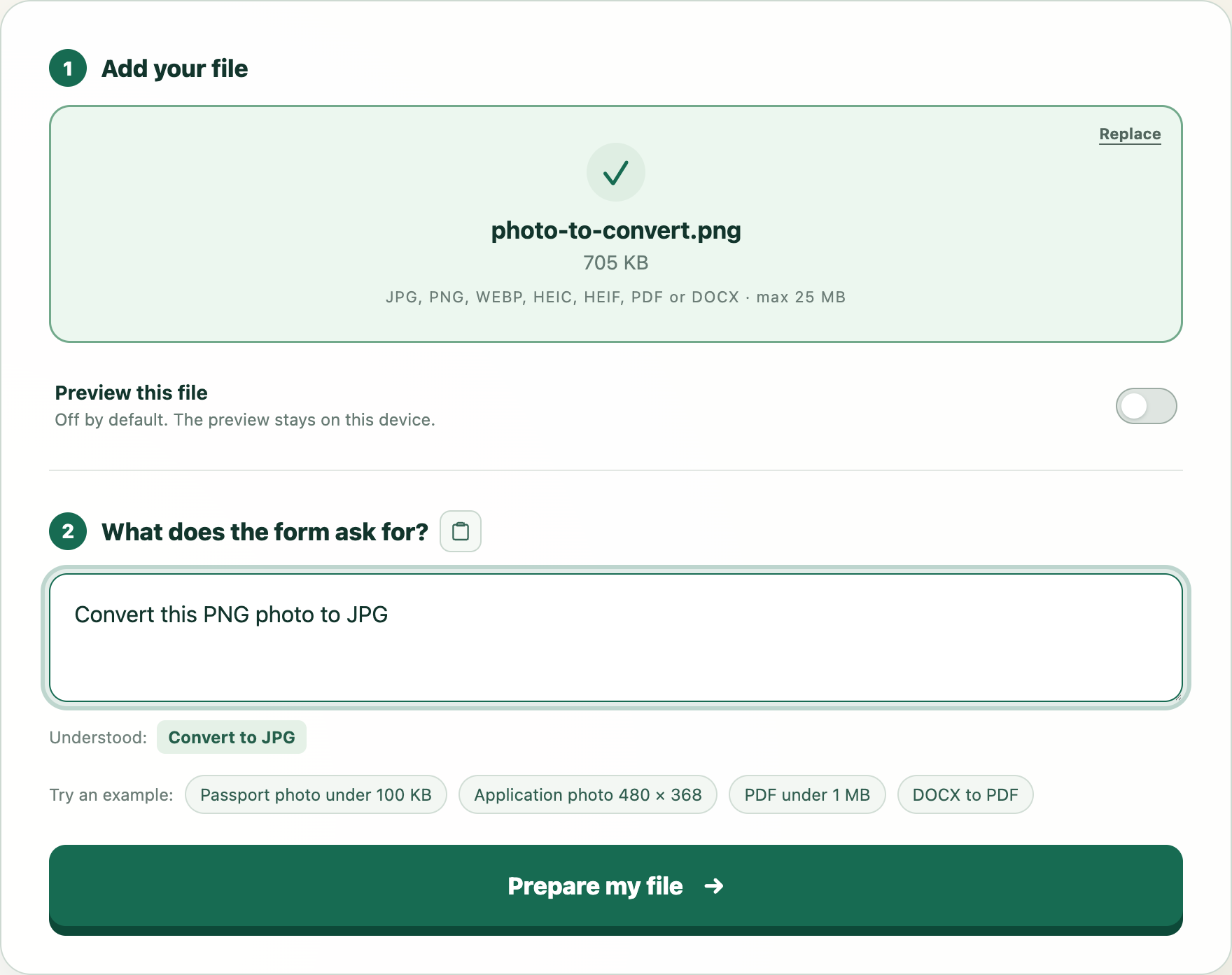
Try this example
We will open WhatTheFile and place Convert this PNG photo to JPG in the requirement box. You can review and change it before preparing your file.