On this page
JPG and JPEG are the same image format. Follow the extension requested by the portal, but never rename a PNG or HEIC file as a substitute for conversion.
Try the example in WhatTheFileJPG and JPEG are the same image format. The only practical difference is the number of letters in the filename extension.
The shorter .jpg spelling became common when older computer systems preferred three-letter extensions. Modern software generally understands both.
Why can a form accept one and reject the other?
Some upload portals check the filename extension too literally. A form may say “JPEG only” but accept both versions. Another may have been configured to recognise only .jpg.
If the form gives an example filename, follow that spelling. When WhatTheFile prepares JPEG output, the downloaded file uses the widely accepted .jpg extension.
Do not just rename a different format
Renaming photo.png to photo.jpg does not turn it into a JPEG image. The portal may inspect the contents and reject it even though the filename looks right.
Use a real conversion when the source is PNG, WEBP, HEIC or HEIF. Keep the original file as well, especially if it contains transparency or fine detail.
What about capital letters?
.JPG, .jpg and .JPEG normally describe the same format. A well-built form should accept them all, but a simple lowercase .jpg filename avoids unnecessary surprises.
The image format matters. The spelling of JPG versus JPEG usually does not, until an old portal makes it matter.
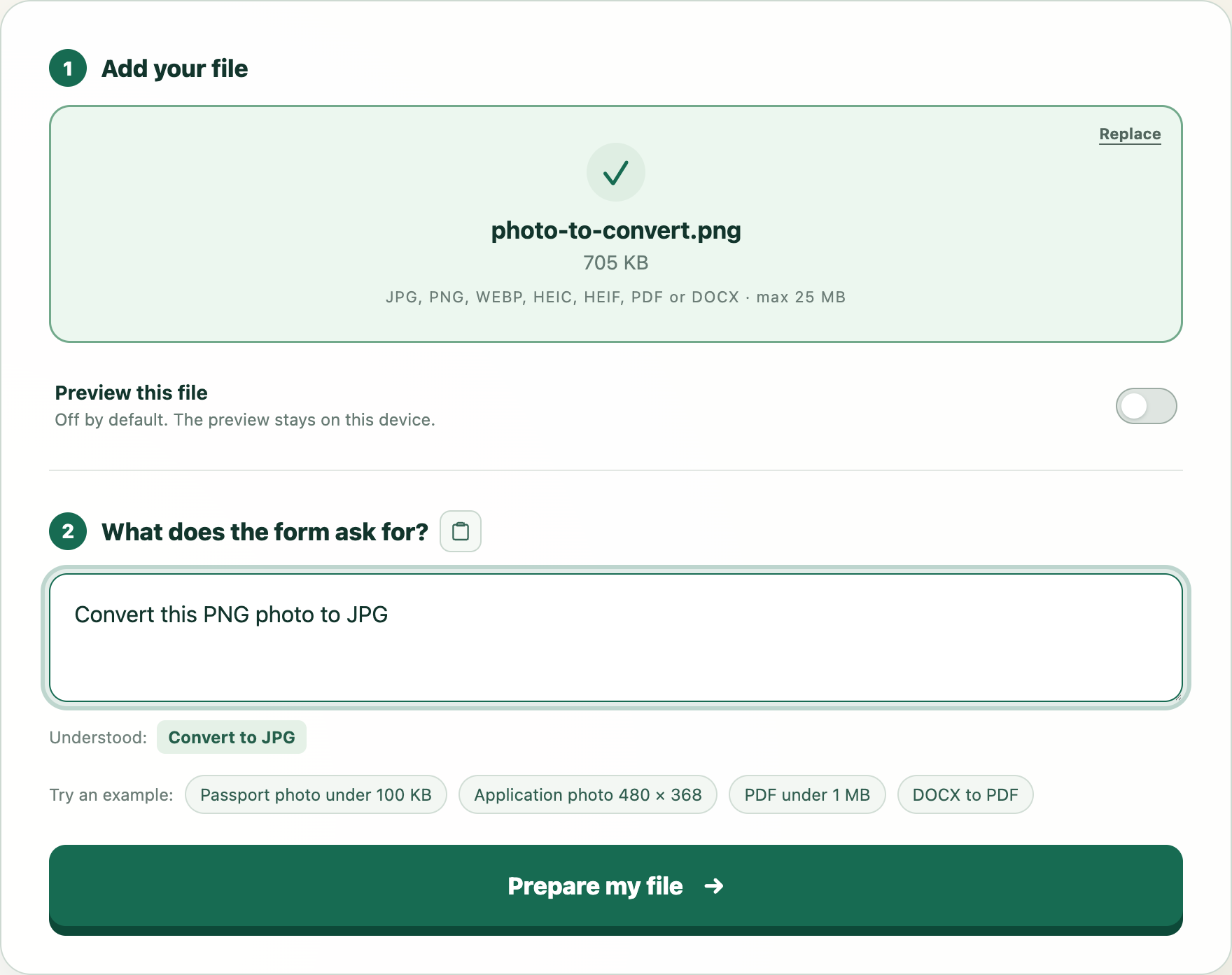
Try this example
We will open WhatTheFile and place Photo must be JPEG and under 200 KB in the requirement box. You can review and change it before preparing your file.