On this page
WhatTheFile processes selected files inside your browser. File bytes are not uploaded to WhatTheFile; ordinary requests to load the website still reach its host.
Try the example in WhatTheFileA passport photo, signature or identity document is more personal than an ordinary image. It is reasonable to ask where the file goes when an online tool says “upload.”
WhatTheFile takes a different approach. The processing code runs inside your browser. Your selected file and the prepared download are not sent to a WhatTheFile application server.
What “on your device” means
Your browser reads the file you choose, creates the new version in memory and gives you a download link. There is no WhatTheFile account, cloud file library or upload API.
The website host still receives ordinary web requests when you open the site, just as it does for any webpage. Those requests do not contain the bytes of the photo you process locally.
You still have a role in privacy
- Use a device and browser profile you trust.
- Do not attach personal files to support emails.
- Delete temporary copies when you no longer need them.
- Check the address bar before choosing a sensitive file.
The optional preview is off by default. When you turn it on, the preview also stays inside the browser. It is there to help you inspect the selected file, not to send it somewhere else.
Why local processing has limits
Your phone or computer does the work, so very large files can use significant memory. PDF compression and DOCX conversion may also simplify content. Always open the finished file and check it before submitting it.
Privacy is strongest when the promise is narrow, visible and easy to verify.
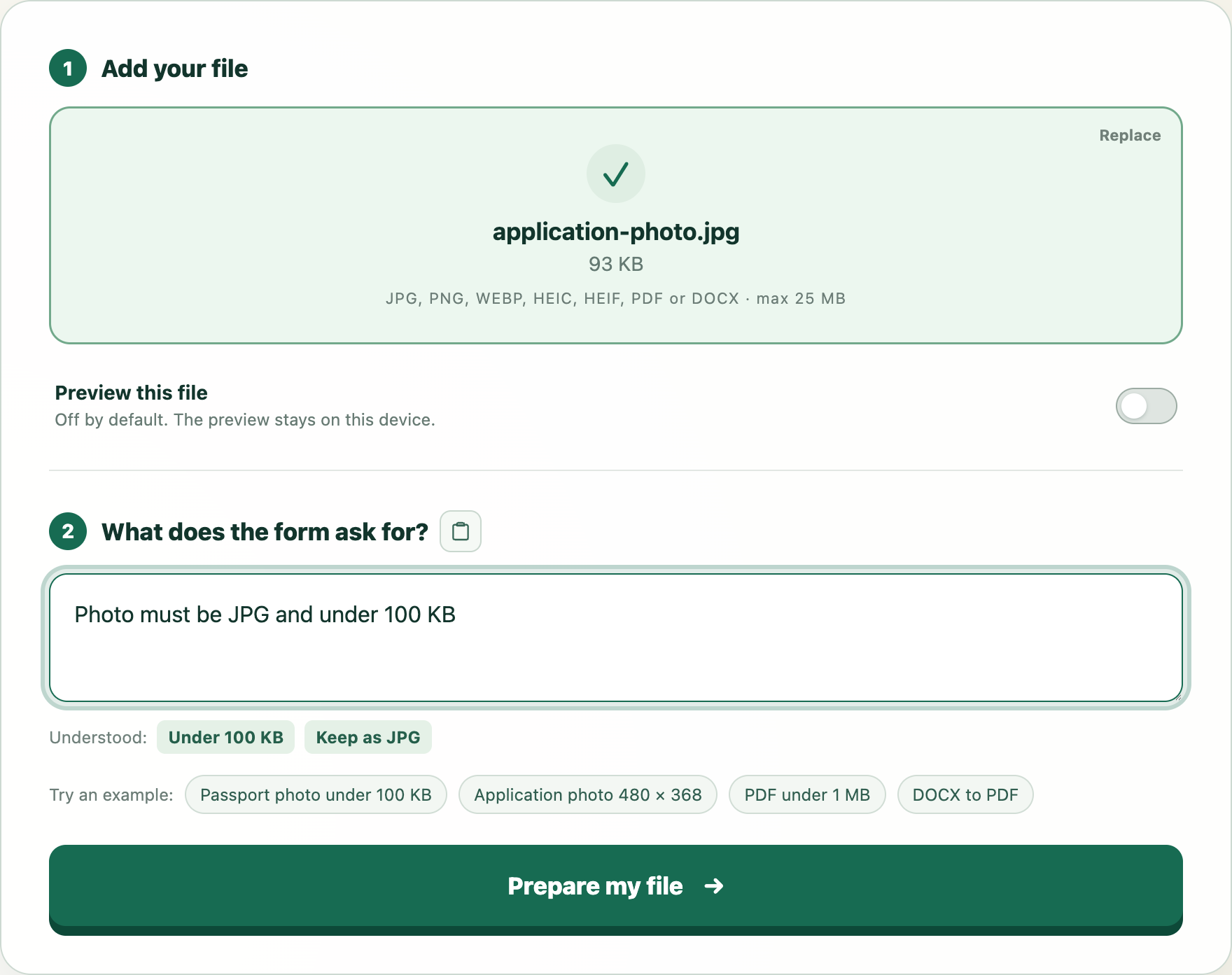
Try this example
We will open WhatTheFile and place Photo must be JPG and under 100 KB in the requirement box. You can review and change it before preparing your file.